
 Hyundai Accent: Variant coding
After replacing the SRSCM with a new one, must be performed the “Variant
Coding� procedure.
|

Variant coding Procedure
| ■ On-Line type on GDS |
| 1. |
Ignition "OFF", connect GDS.
|
| 2. |
Ignition "ON" & Engine "OFF" select vehicle name and airbag system.
|
| 3. |
Select Variant coding mode.
|
| 4. |
Follow steps on the screen as below.
|
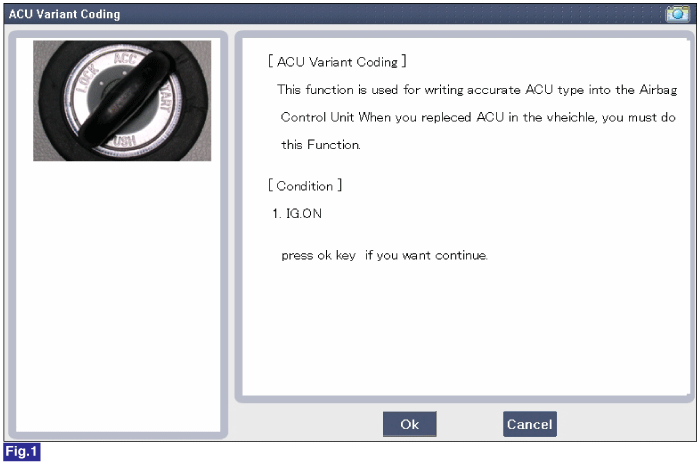
1) Initial ACU Variant Coding screen
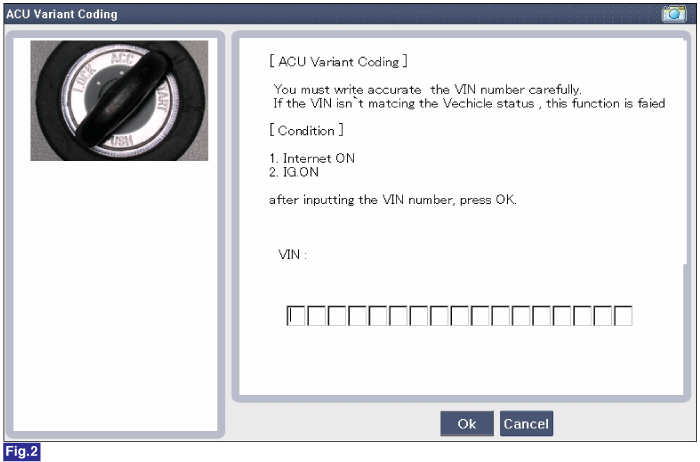
2) VIN Code entering screen
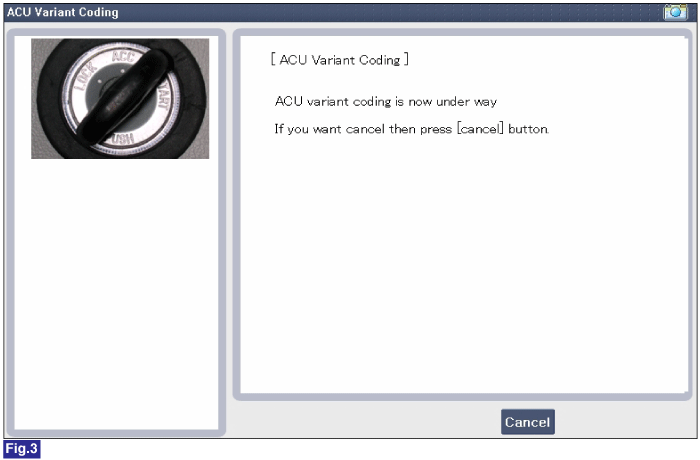
3) Variant coding's proceeding screen-1
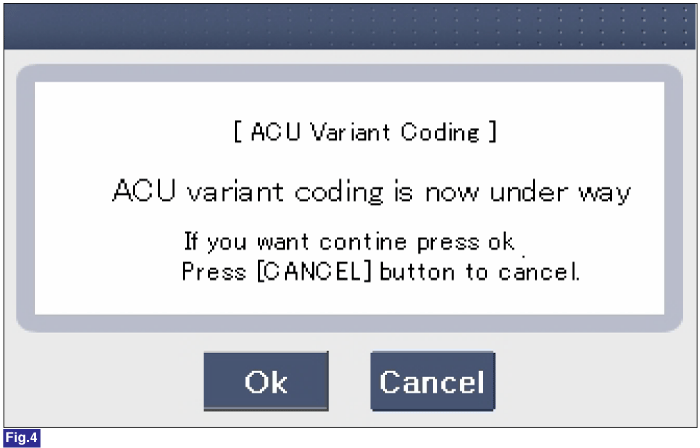
4) Variant coding's proceeding screen-2
5) Variant coding is completed
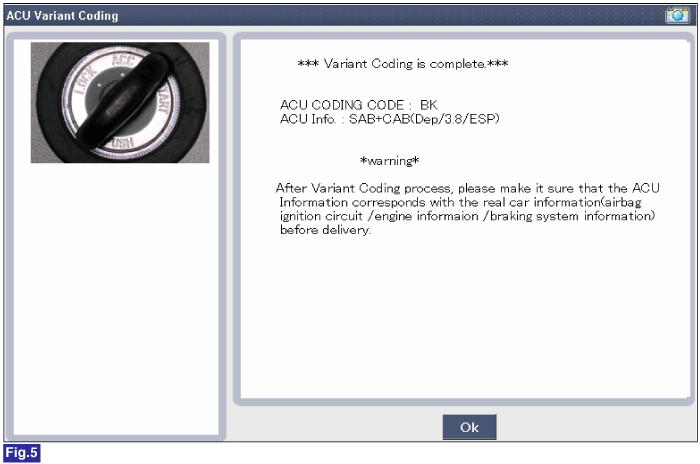
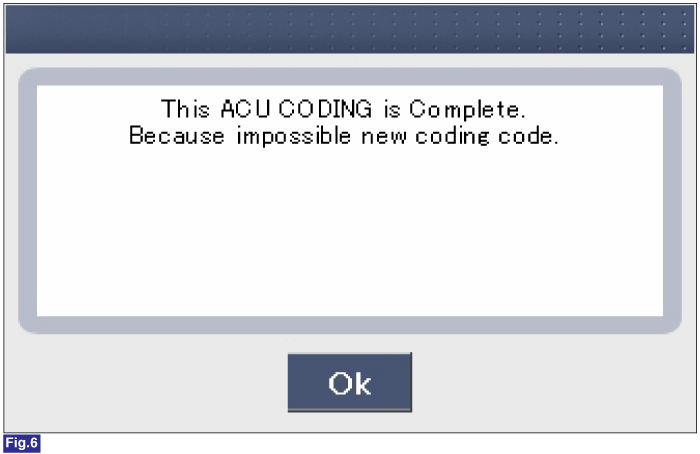
1) This screen is opened when you try the variant coding again
on the SRSCM which has bee performed variant coding.
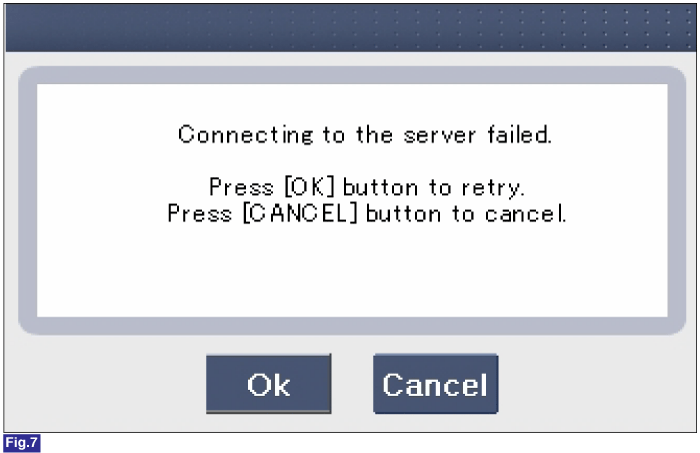
2) Screen of communication failure
|
■ Off-line type on GDS (This can be used when not connecting to internet)
1) Initial ACU Variant Coding screen
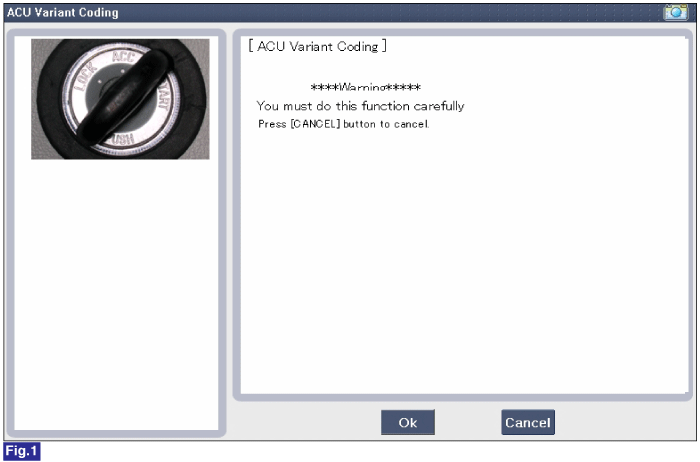
2) ACU Coding Code entering screen
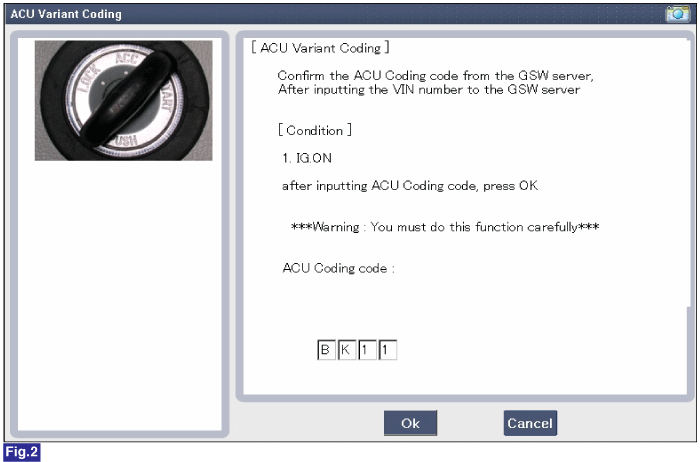
3) Screen of rechecking ACU Coding code's entering
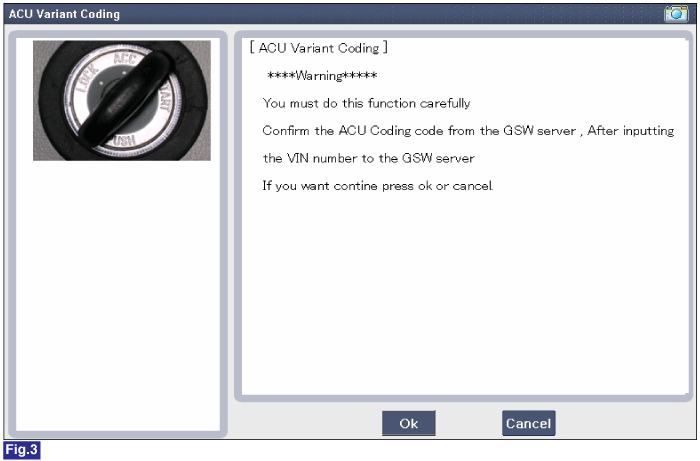
4) Variant coding's proceeding screen-1
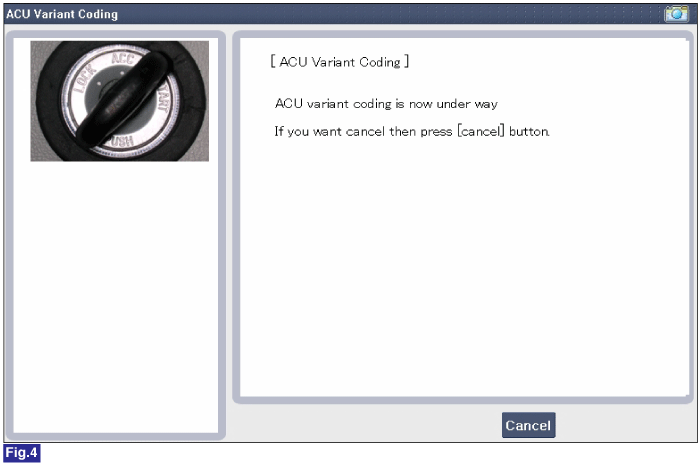
5) Variant coding's proceeding screen-2
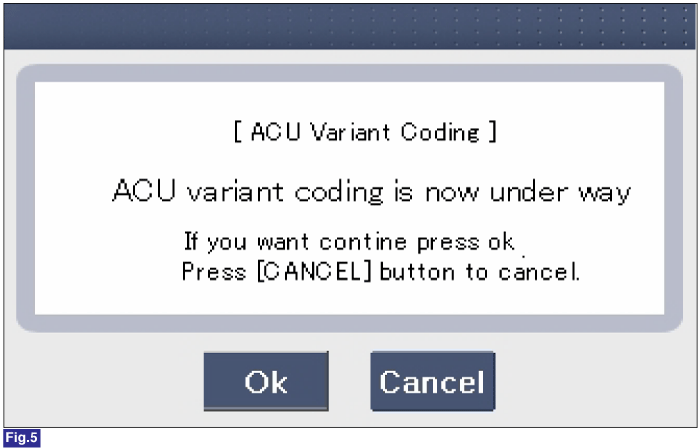
6) Variant coding is completed
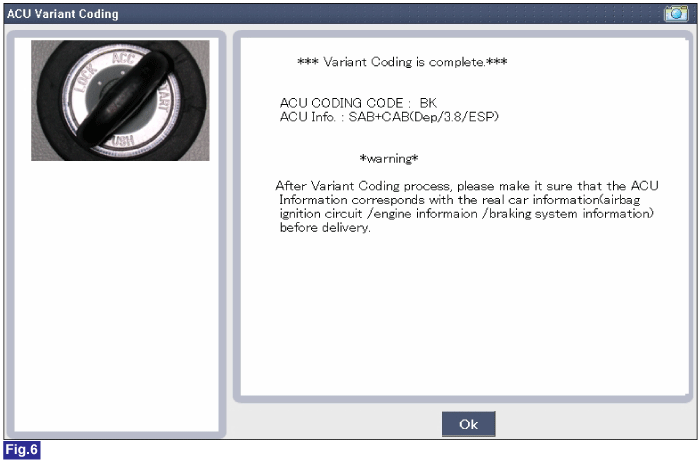
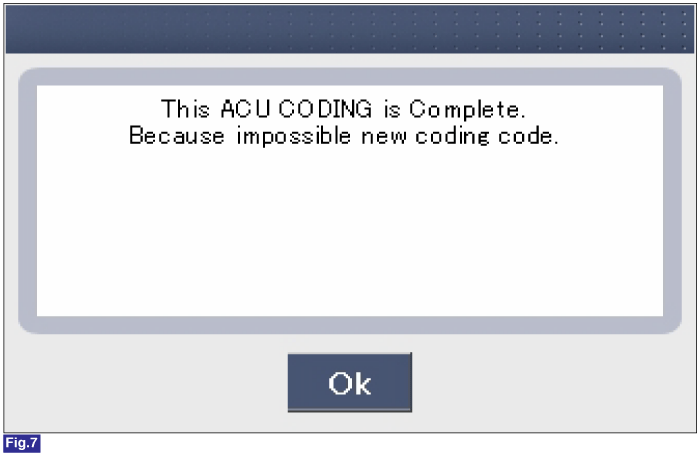
1) This screen is opened when you try the variant coding again
on the SRSCM which has been performed variant coding.
|
 Installation
1.
Remove the ignition key from the vehicle.
2.
Disconnect the battery negative cable and wait for at least three
minutes before beginning ...
 Front Impact Sensor (FIS). Description and Operation
Description
The front impact sensor (FIS) is installed in the front side member. They
are remote sensors that detect acceleration due to a collision at its mounting
location. The primary pur ...
See also:
Resetting the sunroof
Whenever the vehicle battery is disconnected or discharged, or related fuse is
blown, you must reset your sunroof system as follows:
1. Turn the ignition switch to the ON position and close the sun ...
Refrigerant label
The refrigerant label is located on the underside of the hood. ...
Battery recharging
Your vehicle has a maintenance-free, calcium-based battery.
If the battery becomes discharged in a short time (because, for example the headlights
or interior lights were left on while vehicle was ...
Hyundai Accent Manuals

© 2011-2026 Copyright www.hamanual.com