
 Hyundai Accent: Variant coding
After replacing the SRSCM with a new one, must be performed the “Variant
Coding� procedure.
|

Variant coding Procedure
| ■ On-Line type on GDS |
| 1. |
Ignition "OFF", connect GDS.
|
| 2. |
Ignition "ON" & Engine "OFF" select vehicle name and airbag system.
|
| 3. |
Select Variant coding mode.
|
| 4. |
Follow steps on the screen as below.
|
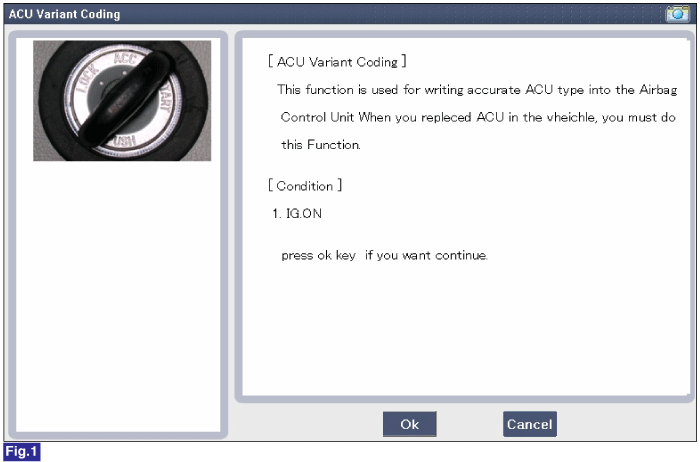
1) Initial ACU Variant Coding screen
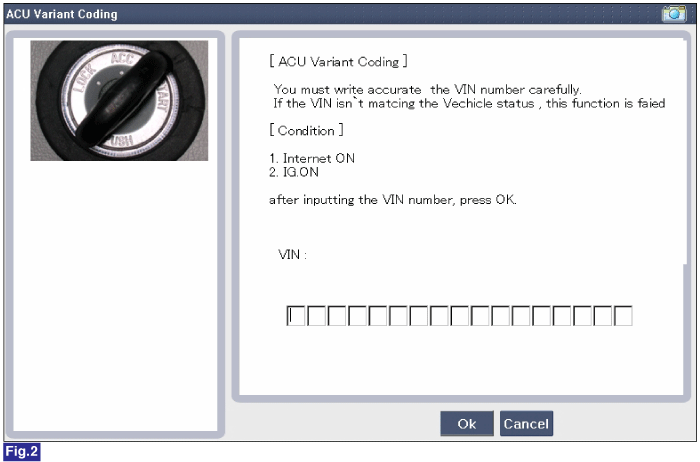
2) VIN Code entering screen
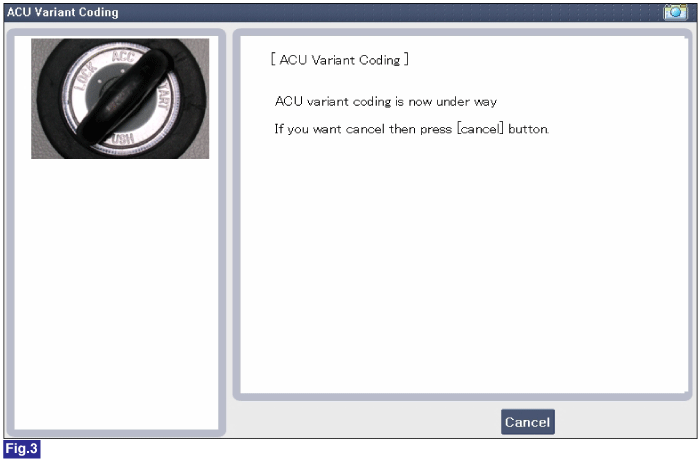
3) Variant coding's proceeding screen-1
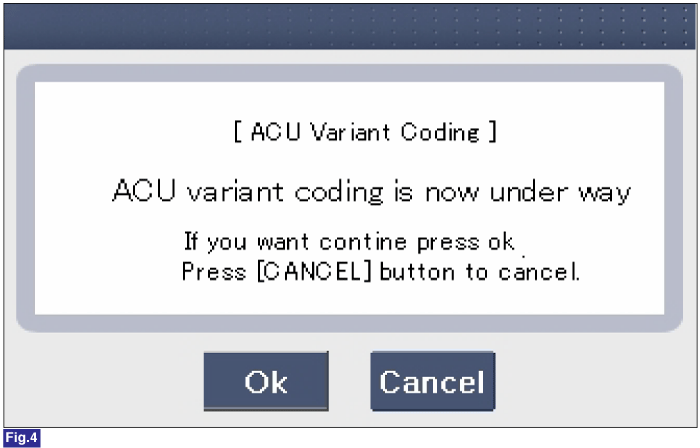
4) Variant coding's proceeding screen-2
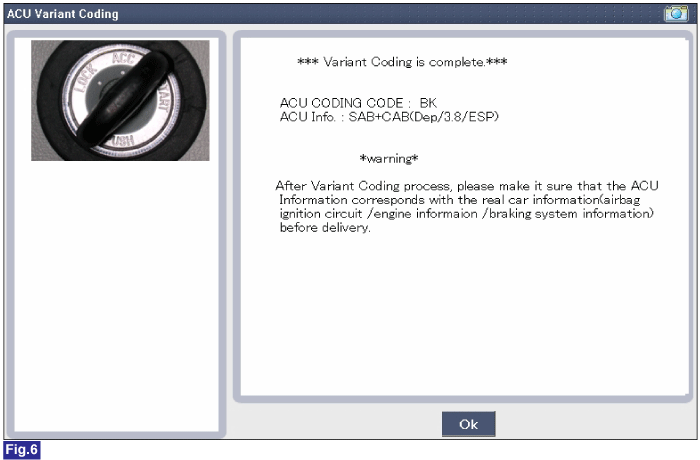
5) Variant coding is completed
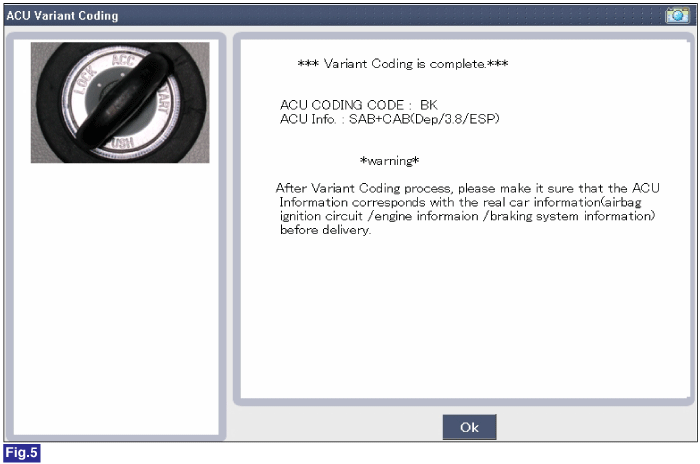
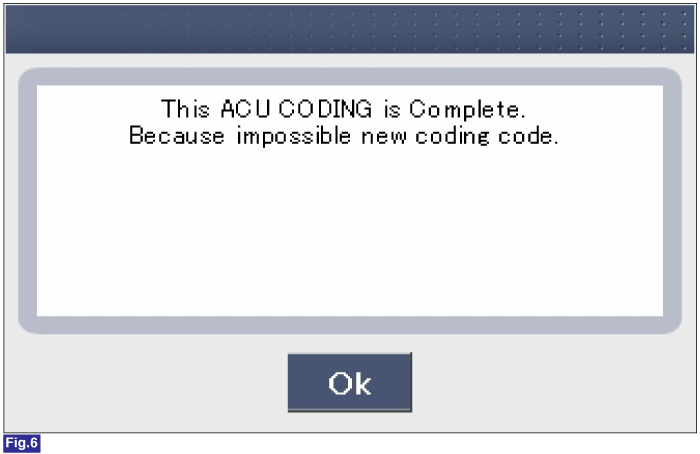
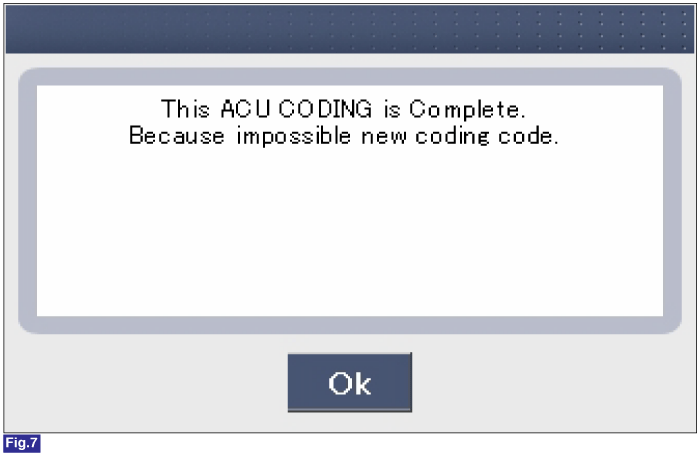
1) This screen is opened when you try the variant coding again
on the SRSCM which has bee performed variant coding.
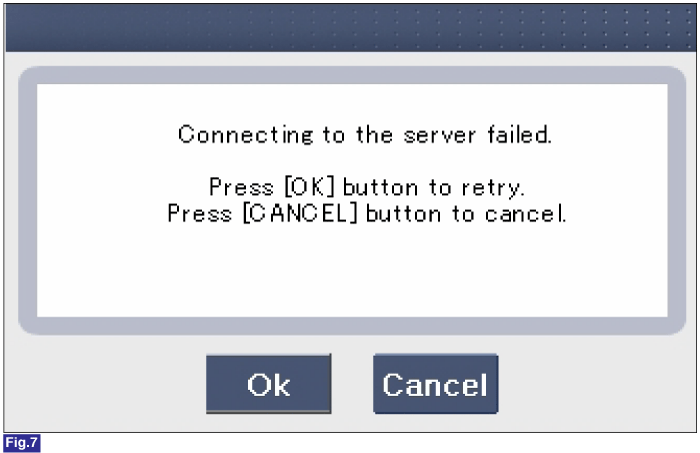
2) Screen of communication failure
|
■ Off-line type on GDS (This can be used when not connecting to internet)
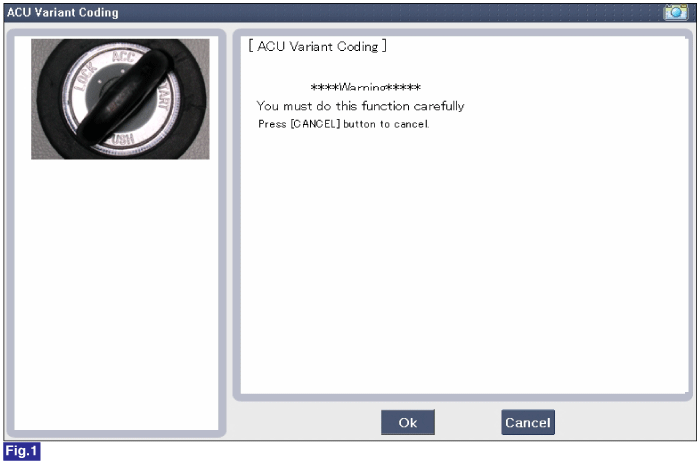
1) Initial ACU Variant Coding screen
2) ACU Coding Code entering screen
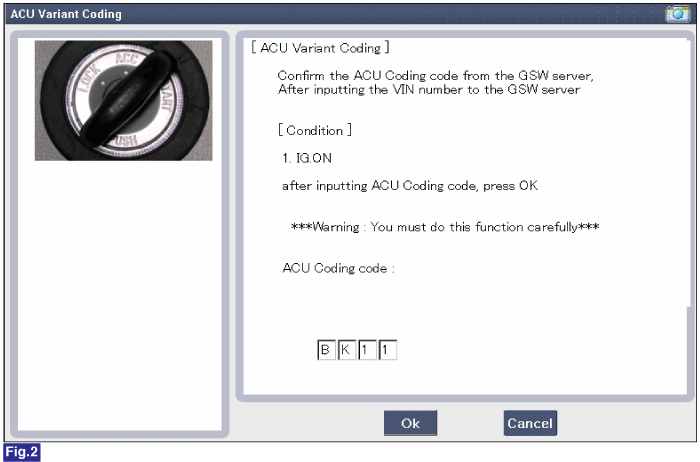
3) Screen of rechecking ACU Coding code's entering
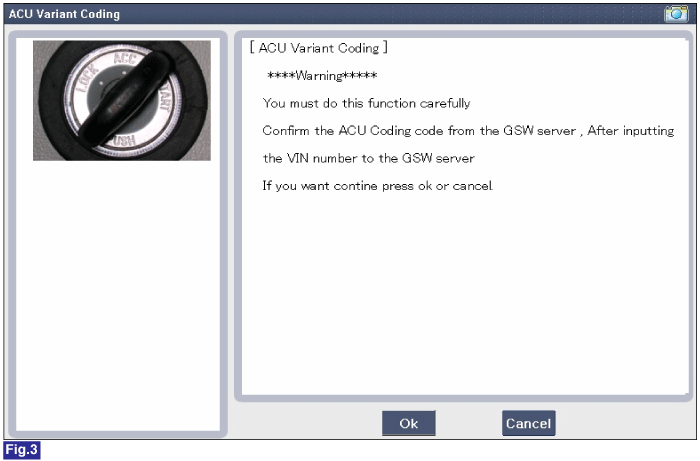
4) Variant coding's proceeding screen-1
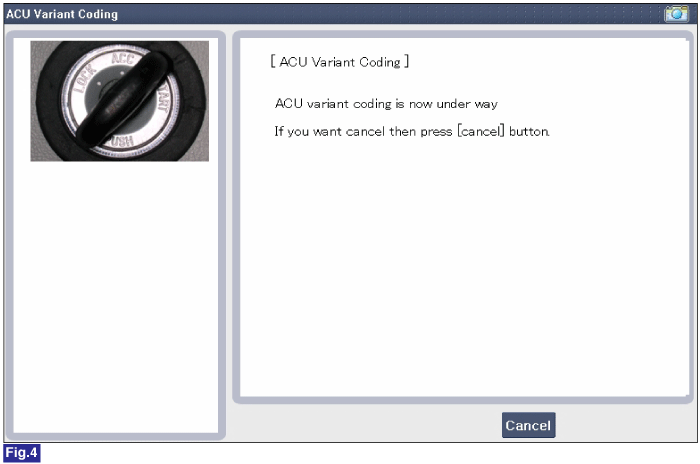
5) Variant coding's proceeding screen-2
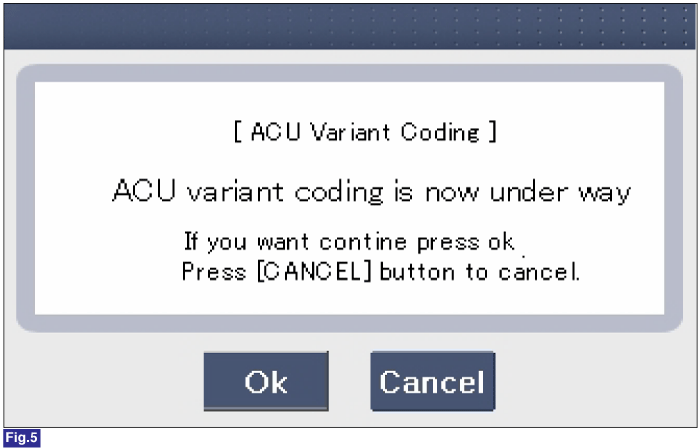
6) Variant coding is completed
1) This screen is opened when you try the variant coding again
on the SRSCM which has been performed variant coding.
|
 Installation
1.
Remove the ignition key from the vehicle.
2.
Disconnect the battery negative cable and wait for at least three
minutes before beginning ...
 Front Impact Sensor (FIS). Description and
Operation
Front Impact Sensor (FIS). Description and
Operation
Description
The front impact sensor (FIS) is installed in the front side member. They
are remote sensors that detect acceleration due to a collision at its mounting
location. The primary pur ...
See also:
Variant coding
After replacing the SRSCM with a new one, must be performed the “Variant
Coding� procedure.
1.
On ...
Tire specification and pressure label
The tires supplied on your new vehicle are chosen to provide the best performance
for normal driving.
The tire label located on the driver's side center pillar gives the tire pressures
reco ...
Variable Intake Solenoid
(VIS) Valve. Specifications
Specification
Item
Specification
Coil resistance (Ω)
30.0 ~ 35.0 [20°C(68°F)]
...
Hyundai Accent Manuals

© 2011-2026 Copyright www.hamanual.com